Track Time. Build Trust. Stay Profitable.
Your team logs time in seconds, clients stay informed, and budgets never catch you by surprise.

Trusted by teams at
We embed our controls into the most popular project management apps
for less tab switching|



 $10k of $15k
 Hourly
 0:00:00
 Alejandro Luna0:00:00
Kai Nani0:00:00
Kai Nani0:00:00Click!
Alejandro Luna0:00:00
Kai Nani0:00:00
Kai Nani0:00:00Click!
 Dave Jung0:00:00
Alejandro Luna0:00:00
Dave Jung
Dave Jung0:00:00
Alejandro Luna0:00:00
Dave Jung—
Subtasks

-
1
Detailed reports
Full profitability and estimate-vs-actual reports, not just numbers on a dashboard widget.
-
2
Budget alerts
Get notified the moment a budget is at risk. No need to check every project yourself.
-
3
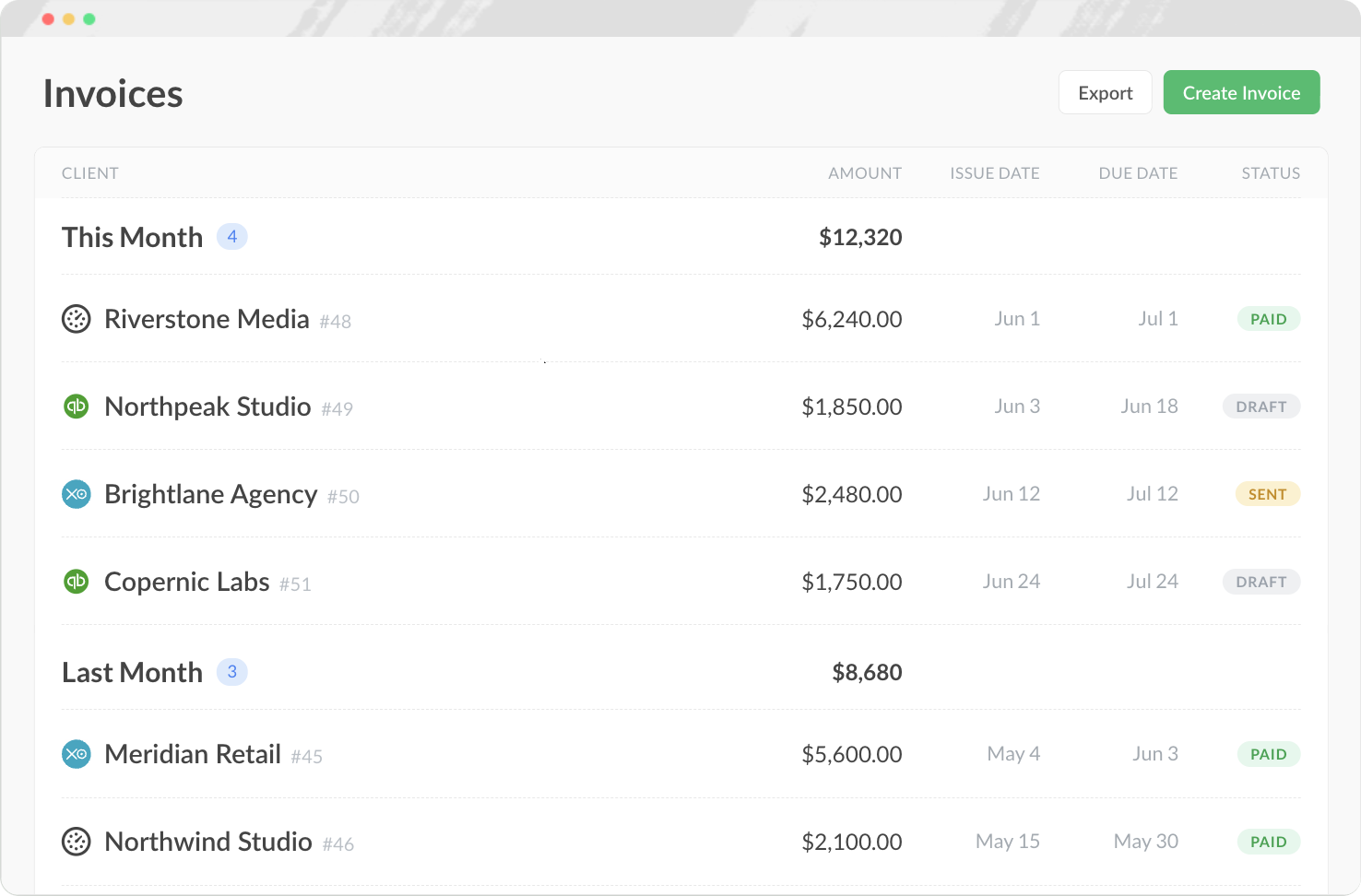
Client billing and invoicing
Set hourly rates and turn tracked time into invoices, right from your workspace.
-
4
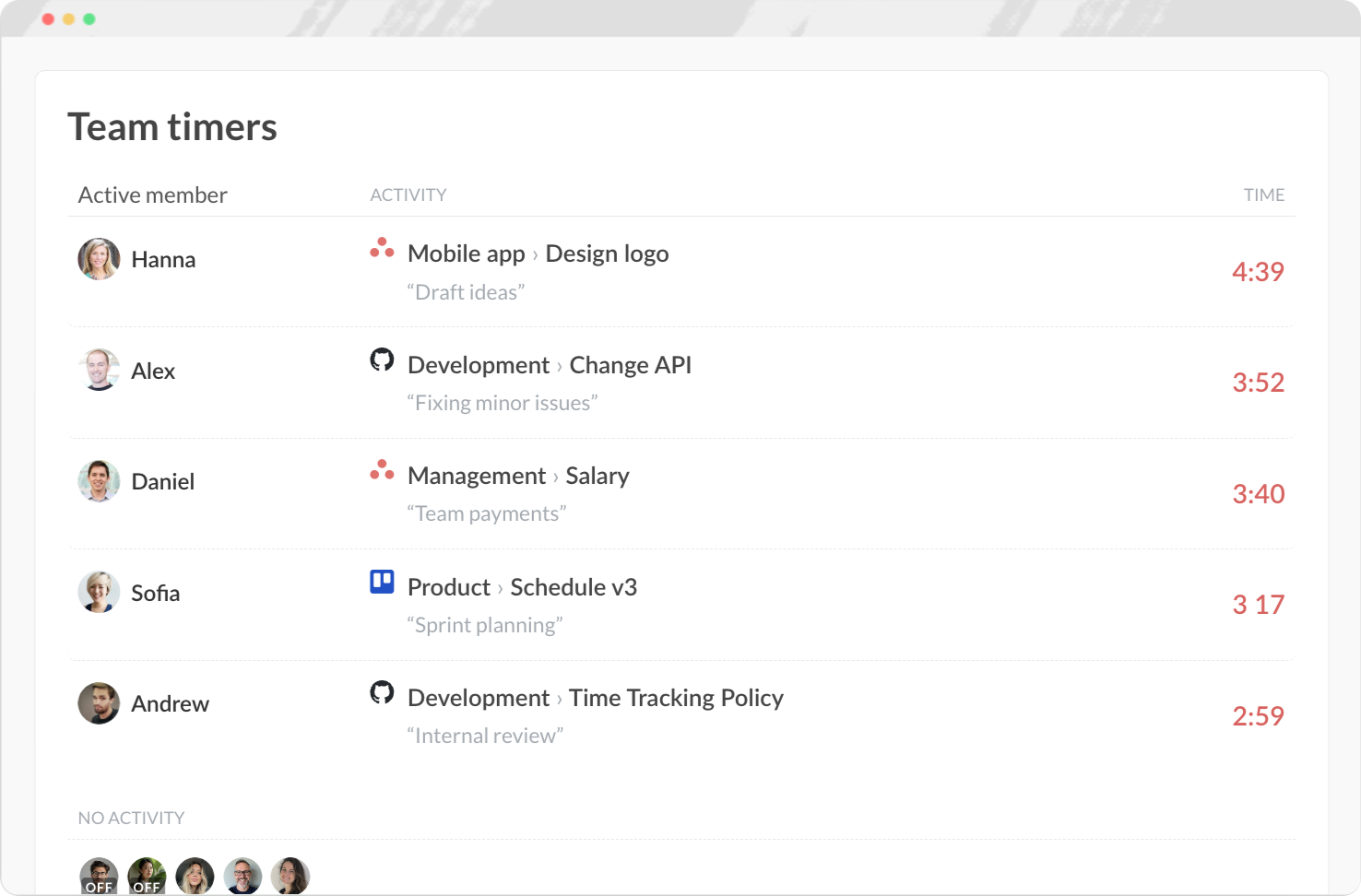
Real-time team activity
See exactly who's tracking time on what, right now.
-
5
Your data stays yours
It's not stored in a fragile custom field. Switch tools, downgrade your plan, or remove a user, and your time history stays intact.
-
6
Full API access
Connect your time data to payroll, accounting, or billing systems.
Way more than a time tracker
Plan the team, run projects, bill clients, book time off and keep your docs —
the whole agency in one tool, with the hours already attached.
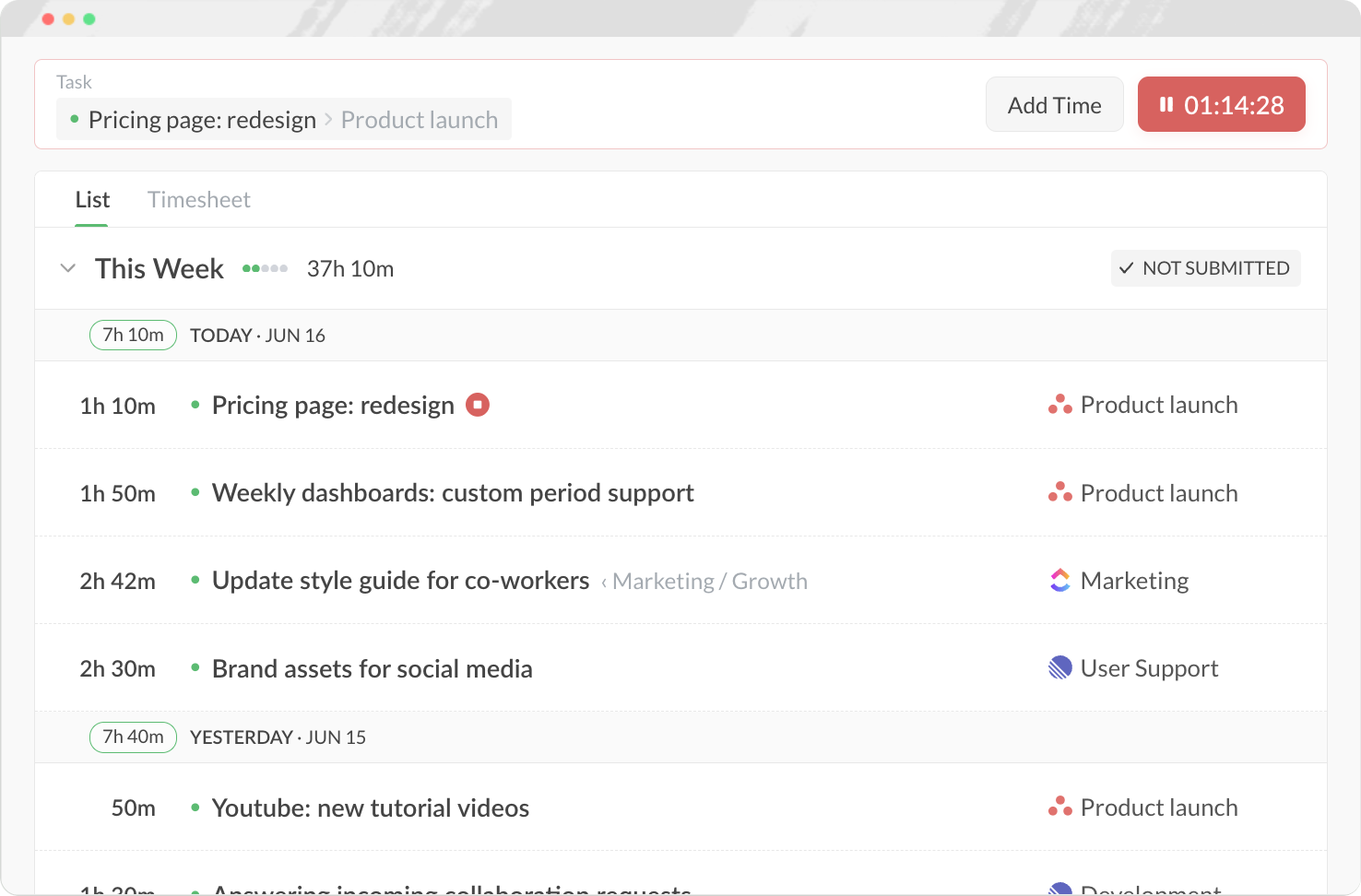
Track time, manage it all in one place

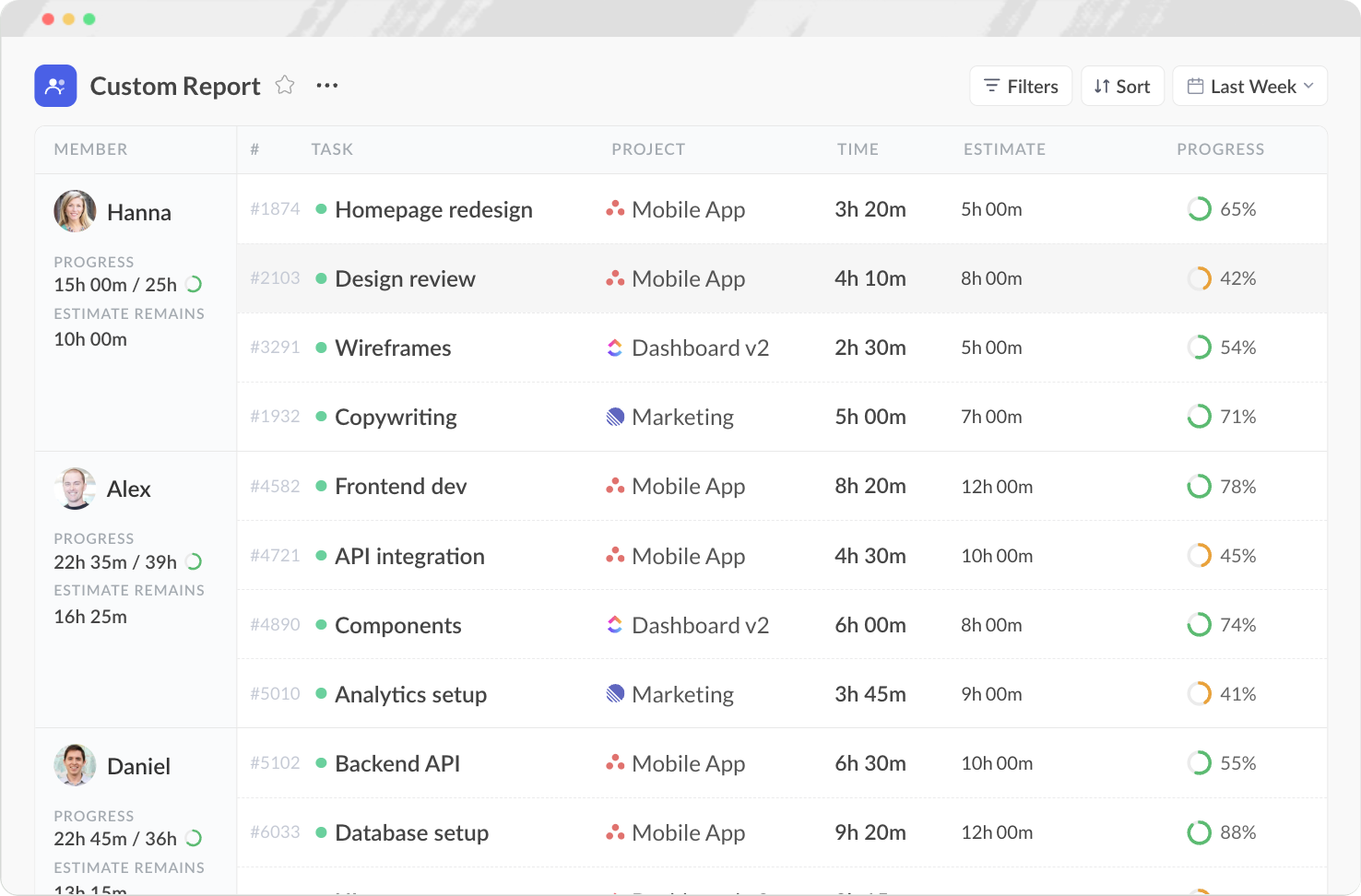
Build, save, schedule and export any report

Balance workload, prevent burnout

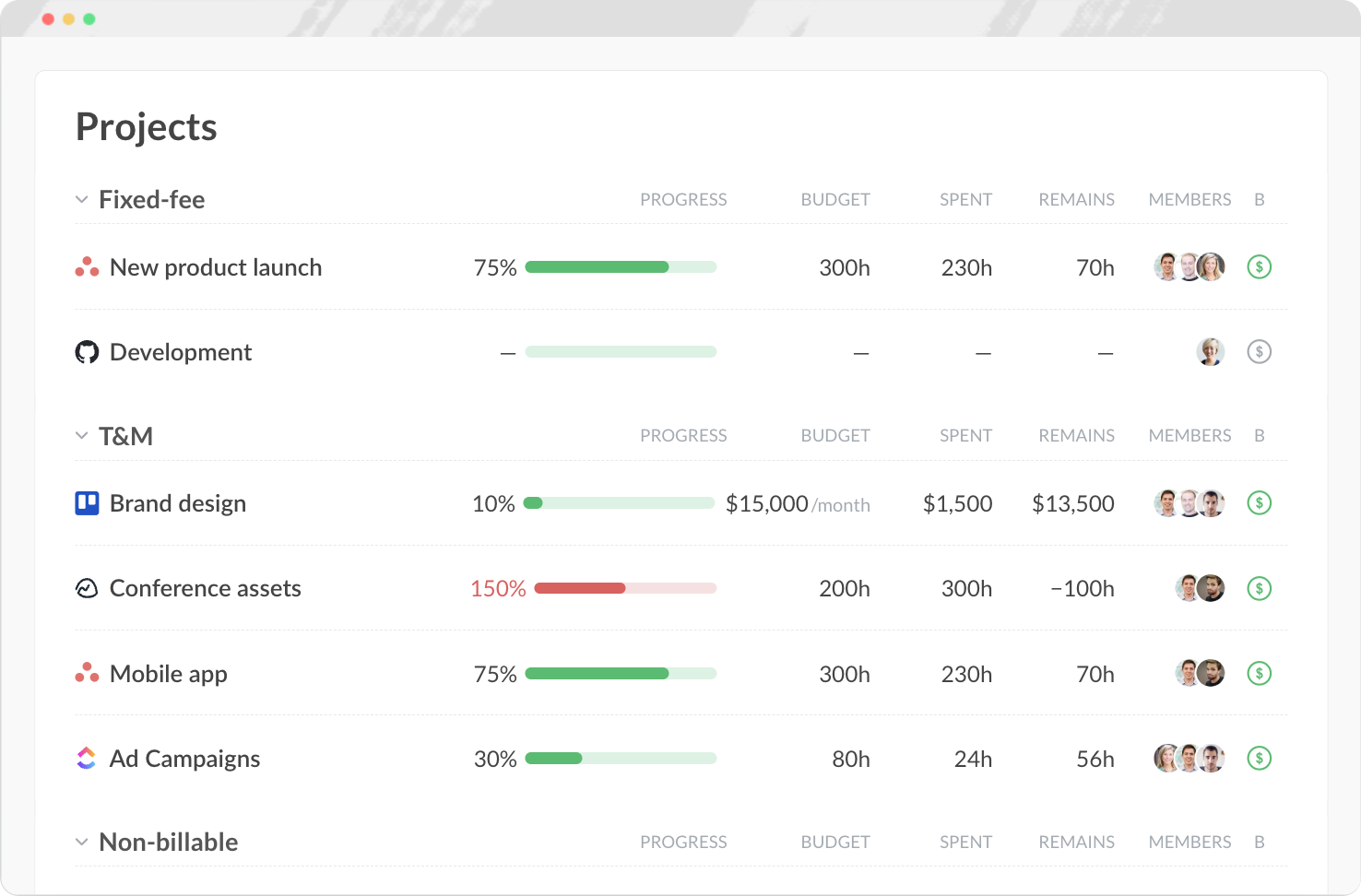
Projects with time tracking built in

Your team’s docs, right next to the work

Invoice faster, get paid sooner

Time off without hunting through emails

Track time on any device, anywhere
Mobile, desktop, browser, even your watch. Your team can log hours
from wherever they work — no excuses, no missed time.


Loved by teams.
Proven everywhere.
Rated in the top time trackers across G2, Capterra, and TrustRadius — with consistent praise for ease of use, integrations, and support.
"Everhour seamlessly flows into the UI of apps like Asana and Notion in ways that enhance the experience. I don't see any other apps doing this as well."
"Everhour helps me keep track of my time and plan more effectively. I love how it feels like a competition with myself — I keep striving to complete tasks faster."
"Everhour integrates perfectly into Asana and Xero. No more copying and pasting task titles. The integration is a breeze and support is top-notch."
"Ability to calculate project effectiveness and staff profit/loss ratios. The Basecamp integration and export features are great for analyzing data and workflow."
"I love how Everhour integrates with Notion, Jira and Trello. The reporting provides comprehensive insights into hours spent, billable hours, and project budgets."
"Everhour's time tracking and reporting features provide comprehensive insights into project hours, budgets, and team productivity. Extremely user-friendly."
"Asana integration to easily turn timers on and off for specific tasks. Reports categorized by client make billing easy. Price is on point!"
"The easy data entry reduced my frustration and saved time. The functionality from time entry, scheduling, budgeting, reporting and invoicing is well thought out."
"Everhour seamlessly flows into the UI of apps like Asana and Notion in ways that enhance the experience. I don't see any other apps doing this as well."
"Everhour helps me keep track of my time and plan more effectively. I love how it feels like a competition with myself — I keep striving to complete tasks faster."
"Everhour integrates perfectly into Asana and Xero. No more copying and pasting task titles. The integration is a breeze and support is top-notch."
"Ability to calculate project effectiveness and staff profit/loss ratios. The Basecamp integration and export features are great for analyzing data and workflow."
"Everhour has been a game changer in tracking estimated vs actual task time. This has enabled us to more accurately quote projects and address overages quickly."
"Very user-friendly and easy to integrate with other tools. We use Everhour paired with Asana and they work together super smoothly."
"The reporting and integration with Asana & ClickUp is fantastic. It allows me to make estimates and create reports down to the task level."
"We use Everhour with Linear for tracking hours and project budgets. The tables, charts and analytics make it easy to see who is working on what."
"Best option to capture screenshots with ClickUp. Free for small teams, captures screenshots with desktop app and submits to Everhour dashboard."
"I like the seamless way of tracking time and the options for integrating with other software. Excellent tools for tracking and client timesheets."
"The integration with Asana is perfect. My team started using it the very same day it was implemented — it's really easy to use."
"I like how easy it is to use. It is quick and painless."
"Everhour has been a game changer in tracking estimated vs actual task time. This has enabled us to more accurately quote projects and address overages quickly."
"Very user-friendly and easy to integrate with other tools. We use Everhour paired with Asana and they work together super smoothly."
"The reporting and integration with Asana & ClickUp is fantastic. It allows me to make estimates and create reports down to the task level."
"We use Everhour with Linear for tracking hours and project budgets. The tables, charts and analytics make it easy to see who is working on what."
Why teams switch to Everhour
What our customers value and what they ask us most.
Absolutely. Teams face two hidden costs: missed billable hours and time wasted on manual timesheets.
Our ROI calculator shows real numbers. For example, a 10-person team billing at $75/hour, spending just 60 minutes weekly on timesheets, and missing 8 billable hours per week sees a return of nearly $35,000 per year—while Everhour costs only $1,020 annually. Most teams see ROI within 2–3 weeks.
Because for most of these tools, time tracking is a secondary feature, not the core product.
In Asana, built-in time tracking is only available on the Advanced plan ($31/user/month). In monday.com it's locked behind the Pro plan ($24/user/month). The features you get are basic: a timer and a log. No budgets, no billing rates, no invoicing, no cross-project reports. Everhour is $10/user/month and does all of that.
Your time data stays in Everhour untouched.
If you track time inside Asana, ClickUp or Linear and decide to switch tools, that history either disappears or needs manual migration. With Everhour as your dedicated time layer, you can swap your PM tool freely. Your reports, budgets, and time history remain exactly where they are.
No and this matters more than it sounds.
In most PM tools, time tracking is tied to your seat count: everyone in the workspace is on the plan, whether they track time or not. With Everhour, you invite only the people who need to track time and pay only for them. If your Asana workspace has 40 people but only 15 actually track time, you pay for 15.
Yes. Everhour connects to Asana, ClickUp, Linear, GitHub, and others simultaneously.
Each team keeps working in their preferred tool, and all tracked time flows into a single Everhour report. One place for budgets, utilization, and billing, regardless of how many PM tools your company uses.
For simple logging, maybe. But the details matter.
Budget alerts when a project is burning through hours too fast, billing rates per person or task, invoice generation from tracked time, estimates vs. actuals comparisons, team utilization reports. These aren't extras in Everhour, they're the core of what it does. Most PM tools get you a timer. Everhour gets you answers.
Completely.
You can create projects and tasks directly in Everhour and use it as a standalone tracker. So whether your team uses Asana, Linear, or nothing at all, everyone can track time in one place and report together.
